PawseKeys PRO
The keyboard locks.
Real life doesn't.
The cat walks the keyboard. Your kid hits a shortcut. Cleaning wipes a tab. One click on PawseKeys and none of it touches your work again.
3-day free trial · macOS 12+ · then €14.99 once · iPhone and Apple Watch included
Looks like you're not on a Mac. PawseKeys locks the Mac keyboard, and the iPhone and Apple Watch apps are its remote control.
Notify me when it's available elsewhere- Lock it with 1 click or 1 shortcut
- Control it from iPhone and Apple Watch
- Nothing ever leaves your home Wi-Fi


Features
Built for everyday use
Everything you need to protect your keyboard, exactly when you need it.
Cleaning Mode
Lock the keyboard for a set time and clean stress‑free.
Kid & pet proof
Prevent random key presses while watching, presenting, or working.
Focus without distractions
Block inputs and keep attention on what matters.
Lightweight and elegant
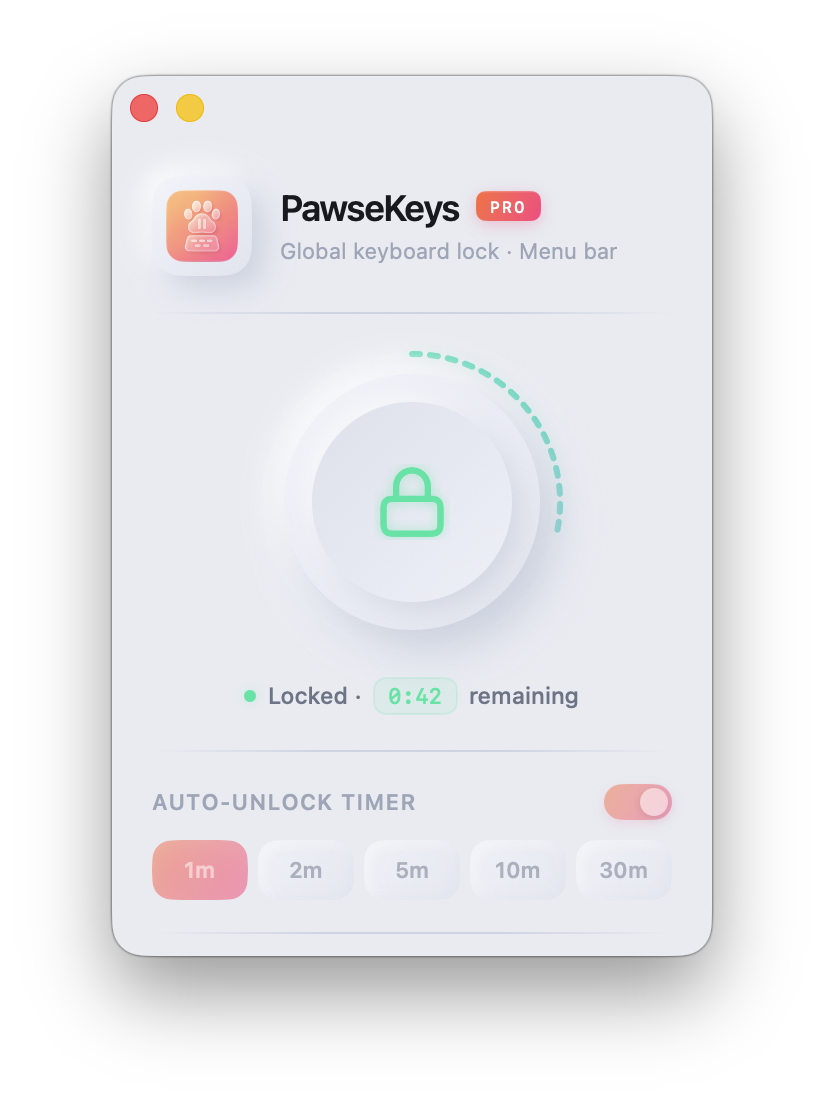
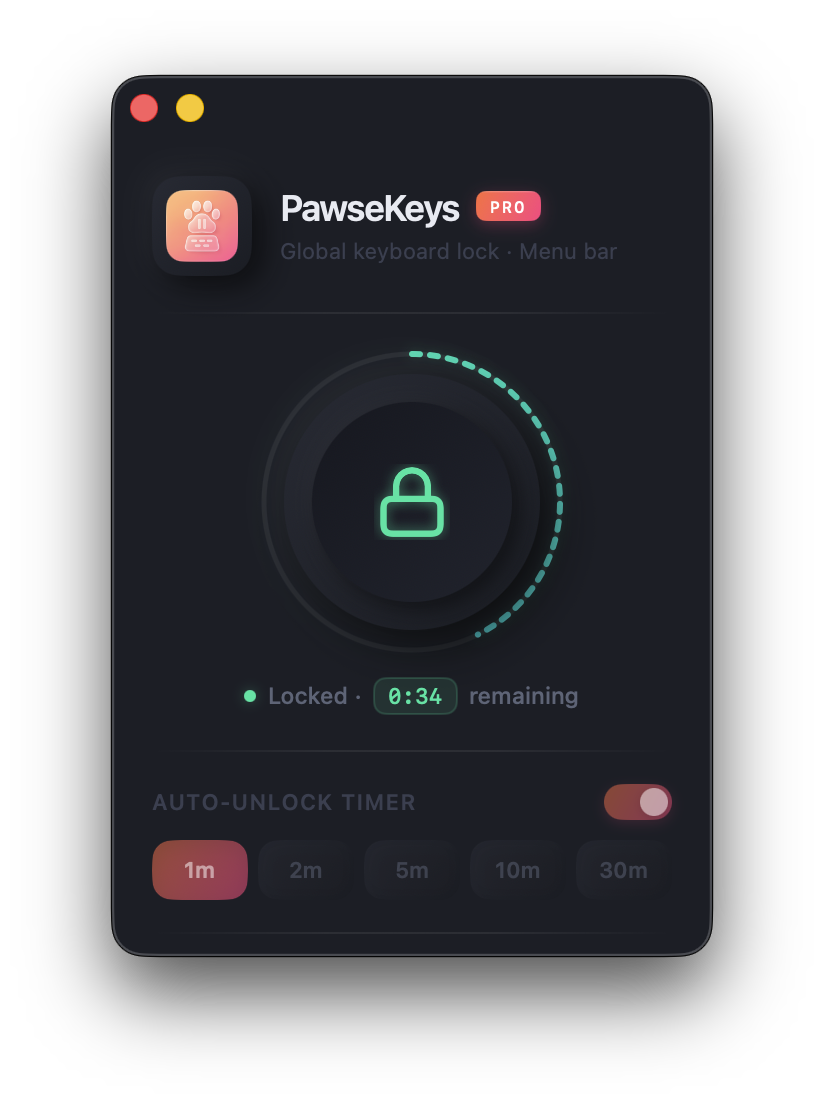
Minimal UI with visuals inspired by the app icon.
Keyboard shortcut and top bar
One shortcut locks the keyboard from wherever you are. Or use the icon in your Mac's top bar.
Mac, iPhone, and Apple Watch
Built for each screen. Fast, light, and it never slows your Mac down.
PawseKeys Remote
Your Mac's panic button,
now on your wrist.
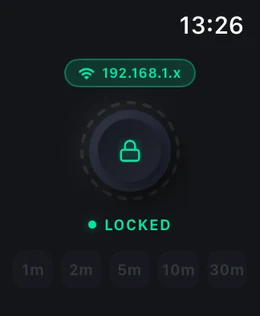
Connect once with a 4-digit code and lock your Mac keyboard from any room, before the cat even jumps. Nothing to set up, no account, no cloud.
Included with PRO · iPhone + Apple Watch
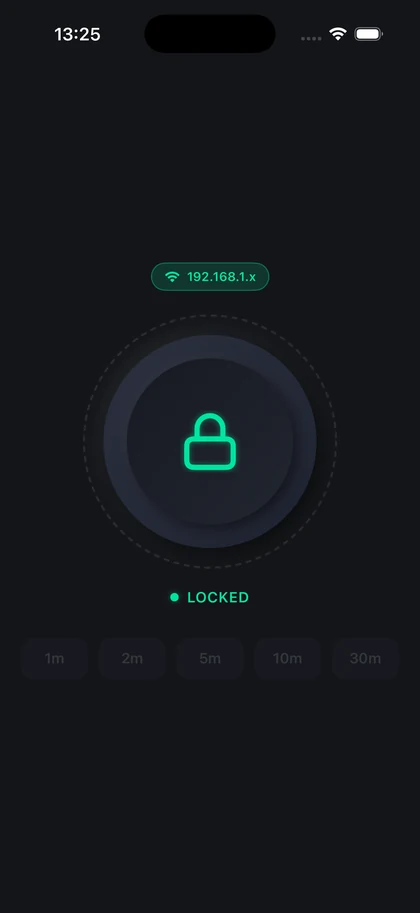
Connects in seconds
-
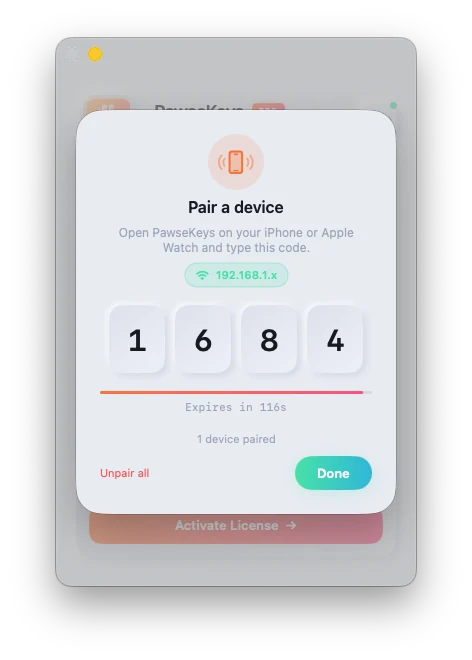
Tap the phone icon on your Mac
A 4-digit code appears on screen, along with the Wi-Fi your Mac is on.
-
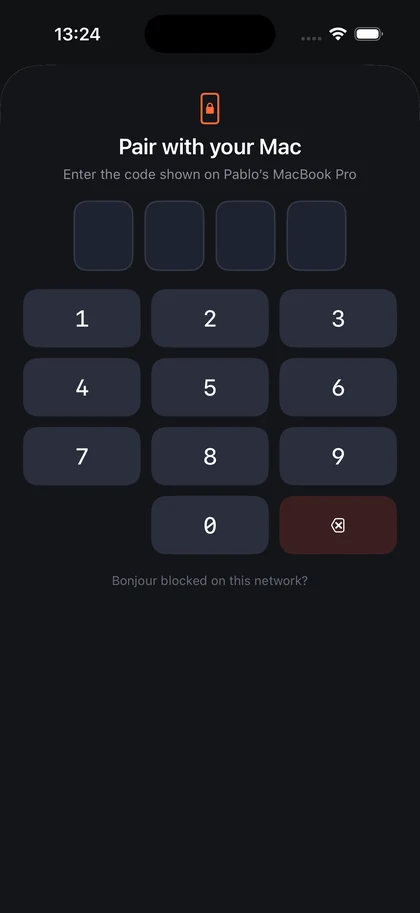
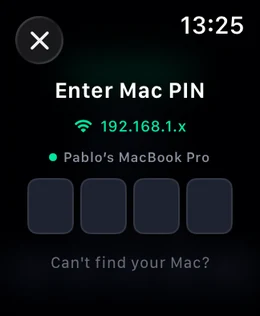
Type the code on your iPhone or Watch
The app finds your Mac by itself. You don't need to know a thing about networks.
-
Lock it from wherever you are
Right away, or on a 1 to 30 minute timer with the countdown on your wrist.
Only you get in
- The code lasts 2 minutes, then it's gone
- Each code connects one device only
- Got it wrong 5 times? Locked out for a minute
- Only the device you connected can send commands
- Awkward Wi-Fi? You can connect by hand instead
The Apple Watch works even without its own Wi-Fi, using the iPhone already in your pocket.
PawseKeys PRO
Pay once. Yours forever.
No monthly fee, no renewal, no stripped-down tier, no paying again for each device. You download it and you have all of it.
€14.99 one-time payment
Once, and we never charge you again.
Download and try it freeWorks on macOS 12 or newer. One-time payment, no renewal.
-
It really locks the keyboard
Every key goes dead, including volume, brightness and the power button. Nothing gets through.
-
One click or one shortcut
Lock it from the button, from a keyboard shortcut, or from the icon in your top bar, without leaving what you're doing.
-
A 1 to 30 minute timer
Pick how long you want the keyboard locked. It unlocks itself when the time is up.
-
iPhone and Apple Watch included
Lock your Mac from any room in the house. No extra cost, no separate subscription.
-
Updates included
Every new improvement reaches you automatically, at no extra cost.
-
3 days to try it free
Use all of it without paying. If you buy and don't like it, we refund you within 14 days.
Simple
How it works
Three steps, zero friction.
- Open PawseKeys and click Lock, or use the keyboard shortcut from any app.
- Turn on the 1 to 30 minute timer to unlock automatically.
- Unlock from the button, the shortcut, the top bar, or your Watch.
Privacy first
No account, no sign-up, no cloud. PawseKeys collects nothing about you. When you use your iPhone or Watch, the command goes straight to your Mac over your home Wi-Fi and never passes through us.
Read privacy policyFAQ
FAQ
Does PawseKeys collect my data?
No. The app asks for no sign-up, collects nothing, and uses no trackers. When you lock from your iPhone or Watch, the command goes straight to your Mac over your home Wi-Fi.
Do I need an account or login?
No accounts or sign-ups needed to try it. A license key unlocks PRO features.
Is there a free trial? And how does payment work?
Yes. The download includes 3 free days with everything unlocked, including iPhone and Apple Watch control. After that it's a one-time €14.99, with no monthly fee and no renewal, backed by a 14-day money-back guarantee.
Do the iPhone and Apple Watch apps cost extra?
No. PawseKeys Remote is included with your PRO license. Grab it on the App Store, pair with the 4-digit PIN, and you're done.
How do I connect my iPhone to my Mac? Is there anything to set up?
Nothing. Your Mac shows a 4-digit code, you type it on your iPhone or Watch, and that's it. The app finds your Mac by itself.
What if the app crashes while the keyboard is locked? Am I stuck?
No. The keyboard always comes back: through the shortcut, the timer, your iPhone, or your Watch. And if the app closes for any reason, the keyboard unlocks right away.
Lock the keyboard with peace of mind.
3 days free on your Mac, with iPhone and Apple Watch included. No account required.
Requires macOS 12 or newer. After the trial, €14.99 once. No monthly fee, with a 14-day money-back guarantee.