PawseKeys PRO
Lock the keyboard.
Clean, protect, focus.
Stop accidental presses on macOS. Perfect for cleaning, kids, pets, and deep focus moments.
Free 14-day trial · macOS 12+
- One-click lock
- Menu bar & countdown
- Safe & reversible


Features
Built for everyday use
Everything you need to protect your keyboard, exactly when you need it.
Cleaning Mode
Lock the keyboard for a set time and clean stress-free.
Kid & pet proof
Prevent random key presses while watching, presenting, or working.
Focus without distractions
Block inputs and keep attention on what matters.
Lightweight and elegant
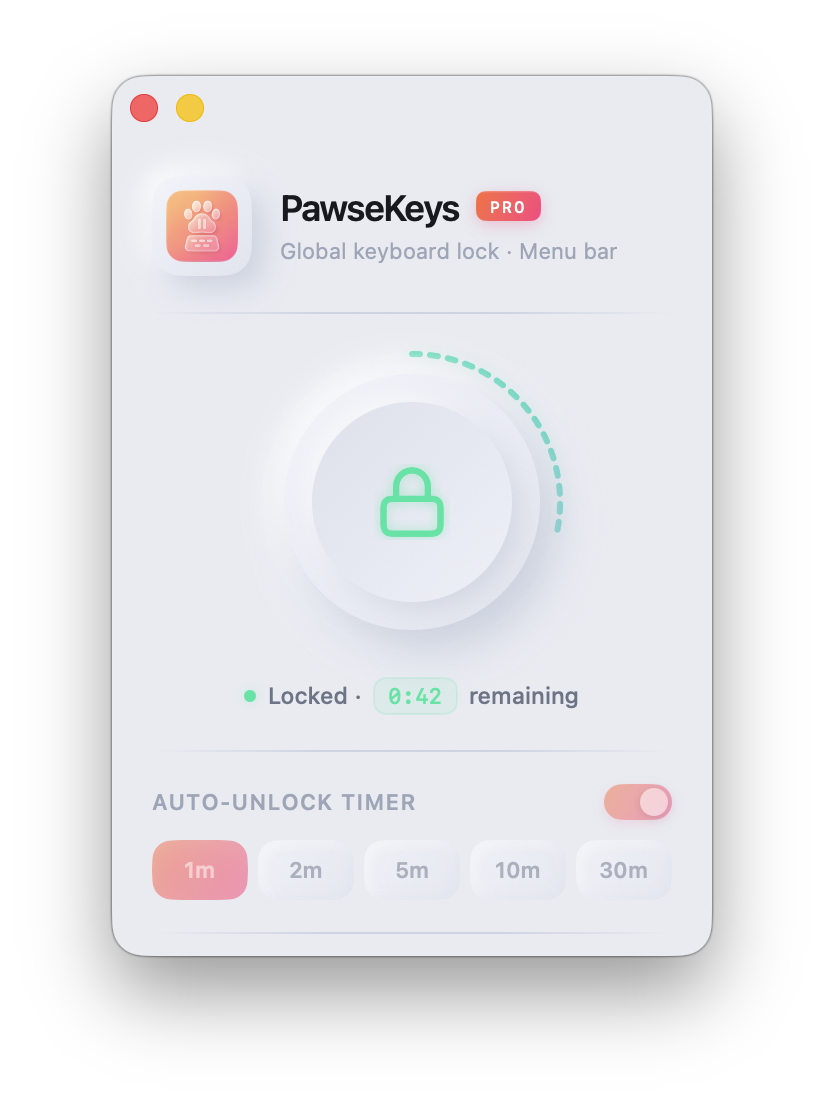
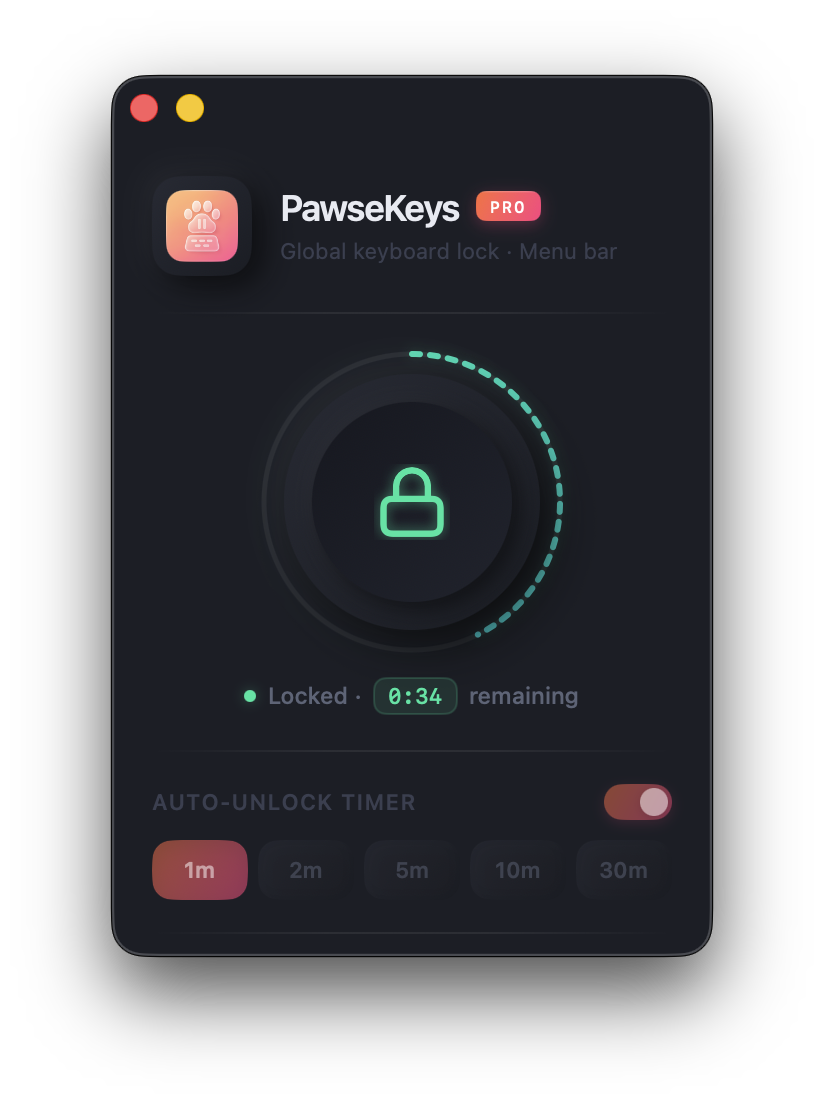
Minimal UI with visuals inspired by the app icon.
Shortcuts and menu bar
Quick control right from the macOS menu bar.
macOS 12+ compatible
Built natively in Swift for stability and performance.
Simple
How it works
Three steps, zero friction.
- Open PawseKeys and click Lock.
- Use the optional timer for auto-unlock.
- Press the button or shortcut to unlock anytime.
Privacy first
PawseKeys runs 100% offline, collects zero data, and uses no cookies or trackers. You control your keyboard.
Read privacy policyFAQ
FAQ
Does PawseKeys collect my data?
No. The app runs locally on your Mac with no data sent anywhere.
Do I need an account or login?
No accounts or sign-ups needed to try it. A license unlocks PRO features.
Is there a free trial?
Yes. The download includes a free 14-day trial so you can try every PRO feature before buying.
Lock the keyboard with peace of mind.
Try it free on your Mac. No account required.
Requires macOS 12 or newer.